Red Baron3D WW I + High Quality v4
flight simulation game, full + quick install
Screenshots from Redbaron 3D single player (SP) and multi player (MMP) ...
open slideshow in new window
Home Downloads LinksReady to unpack and run on Windows 10 zip
This is footage from a live duel in a multiplayer
server. (which you can run yourself )
Red Baron also features Single Player with missions
in a World War I setting, with tens of planes and action going on.
Missions, campaigns, careers if you want...
The special thing : you can fly a mission over and over again. It will
never ever be the same. Every time, your and the game's generated "Adaptive Intelligence" * decisions
result in a different outcome.
* yes, we got generative = Adaptive Intelligence since 1998....
RedBaron3d features included (both versions)
Installed
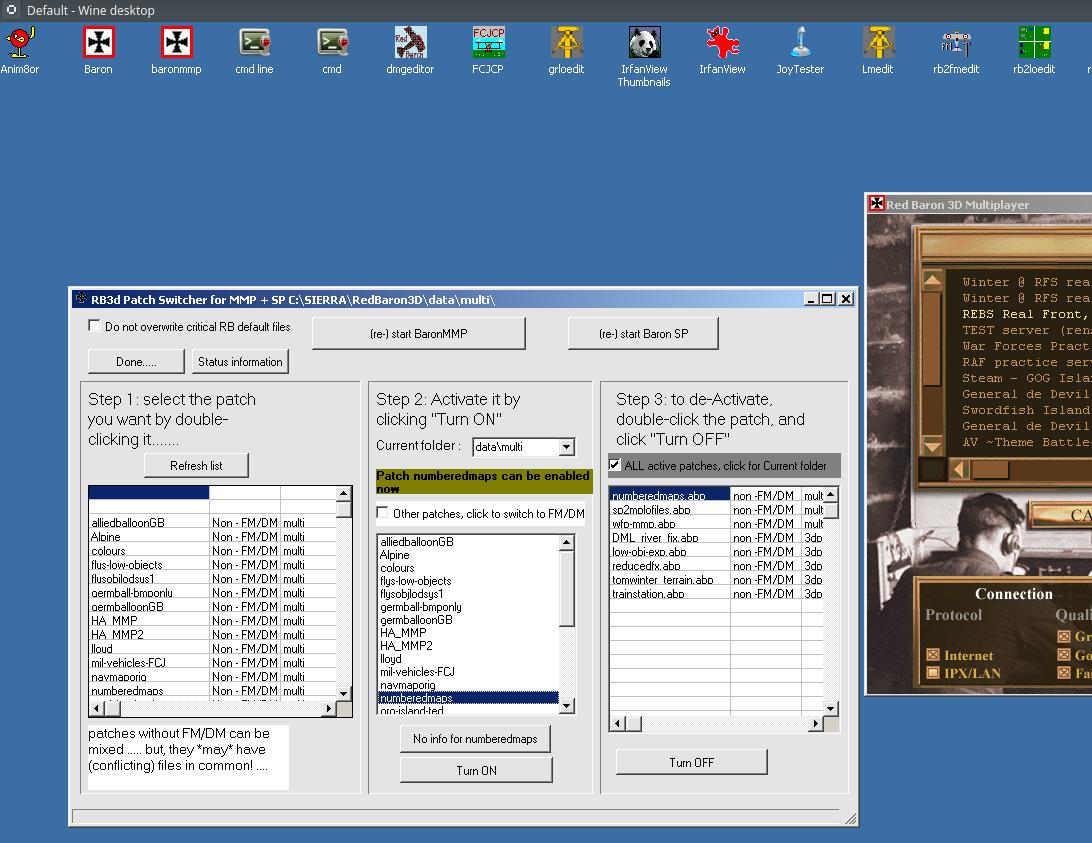
- Patch manager for RB3d
Note: this is not CM11, which is a time-based campaign manager for single play that changes the game content based on the time/data in
the campaign you are playing..... CM11 is also included, you need to set it up yourself, a 1 click installer )
- High Quality planes / objects patch
- River fix ( fixes a minor glitch in the original game)
- 3d / DirectDraw High Quality terrain
- nGlide 2.x installer included, 1 click and go. provides 3D accelerated graphics via 3Dfx/Glide emulation. if your video card supports it (AMD/Radeon, nVidia, Intel ) :
this provides much nicer Voodoo Graphics (3DFX) emulations for much more realistic graphics -
- in-cockpit slew sights for realistic aiming..
- balloons, live frontline in online player mode. note: only works when flying in Real Front servers.
- numbered maps / original maps
- distant detail for objects with corrected colour: the gray buildings stay gray from a far distance (in the regular game they go from white to gray....)
installable / startable via Patch manager :
- real front patch.with standard Flight Model : balloons, live front ( flak, anti aircraft machineguns, keep altitude or die.... )
- ditto with real front Flight Model
- WFP MMP skins (western front patch for SP : skins ported to MMP, very nice looking)
- Tom Winter terrain, On the Edge terrain, Promised Land and even standard Sierra..
depending on which you choose, that Terrain is active. You can always switch to one of the other ones via the patch manager.
- you can start flame-fixed BaronMMP.exe instead of standard baronMMP.exe when needed by server...
- add your own patches: simply create a folder in Multi, Simpatch, Shellpat or 3dPatch folder and put your files in there.
Your patch will show up automagically in the patch manager ( rssplyr.exe ) and can be activated / de-activated with one click.
Install On Linux:
you can unzip the windows 10 install to play redbaron3d (on wine/linux and/or
games on steam (native linux)
put the downloaded zip file in ~/.wine/drive_c.
click on it ( this should load ark) and choose "extract here". results in the normal \sierra\redbaron3d folder structure
you can then run the game by doing :
wine ~/.wine/drive_c/Sierra/Redbaron3D/Baron.exe (or baronmmp.exe)
However:
to make things easy, you could use something like crossover (pay-for software, but saves a lot of headache)
or playforlinux ( is free & opensource, most Linuxes have this )
and run it from the Linux desktop..
RB3D Meta server:
look here for available, working meta servers or copy and paste the URL yourself : https://rb3d/rb3dstatus.html
 ..
..  ..
.. 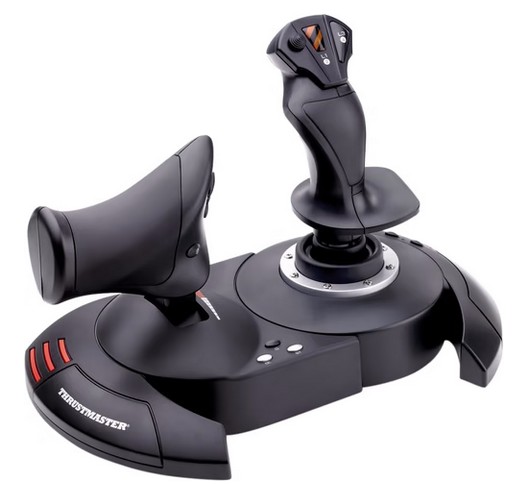
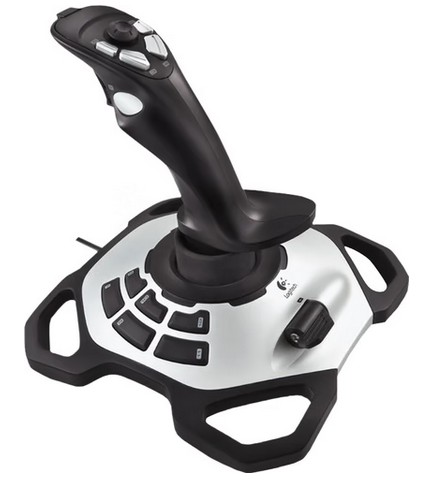
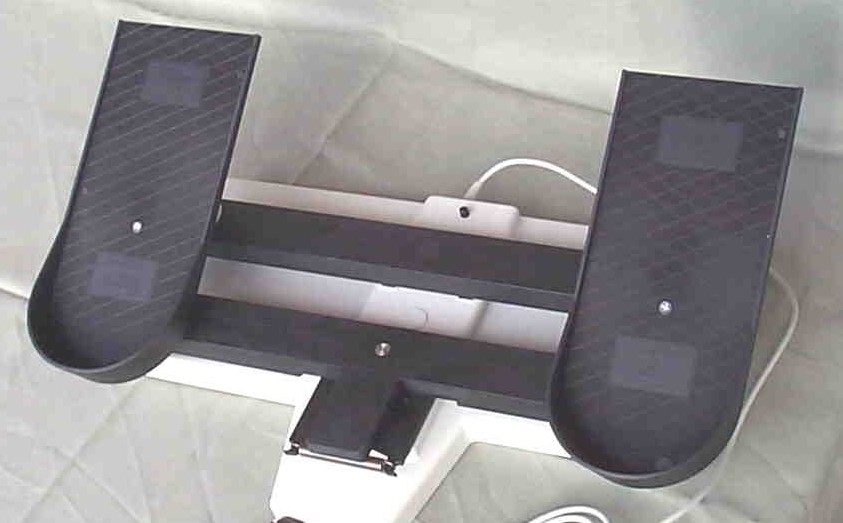
A must have if you want to run RedBaron3d with separate stick and pedals in Windows(tm) or Linux/wine. RedBaron3d is
too old to support multiple devices (a stick , throttles and pedals, typically), it only supports 1 device
and it *has to be* device #0 on top of that. (if your stick doesn't work: pull all, plug-in the one you want first..)